
Clermont County Court Record Requests
Gather the basics first: court, division, case number, and the exact item. Then pick the right route. Need a status check or a docket event? Try the responsible court's public access option first. A Common Pleas General Division document needs the clerk's online image-request form. Municipal complaints, affidavits, judgment entries, and full files go through the Municipal records-request form. It lists mail, fax, pickup, and counter routes. The record itself tells you which clerk can help.
Domestic decree copies come through domesticclerkofcourts@clermontcountyohio.gov or 513-732-7832. Probate case information sits in its access system. Images are direct-access only. Call Probate Court at 513-732-7243. Transcript and recording questions for Common Pleas go to the court reporter at 513-732-7125, not the clerk copy desk. Ohio offers no single statewide trial-court record portal for these requests.
- Identify the court, division, case number, and specific docket entry or document.
- Use that court’s online portal to verify the file and note any document date or docket code.
- Choose the documented clerk channel: image form, written request, counter inspection, phone, mail, fax, or division email.
- Follow the office’s payment and delivery instructions, then verify whether the copy must be certified.
Clermont Court Records Images
Sometimes a Common Pleas General Division paper does not surface in the public result. Clermont provides an online image-request form. It asks for first name, last name, email address, phone number, case number, and image-request information. That last field wants docket codes and document dates. Examples include Sentence, Indictment, and Civil Docket Statement.
The form lists no turnaround time or fee. The General Division's copy schedule gives a price reference, though the clerk should confirm the cost of any particular request. Naming the date and docket code hands records staff a defined target. It is not an open-ended search.
The official image-request form shows exactly what the General Division expects for a targeted document request.
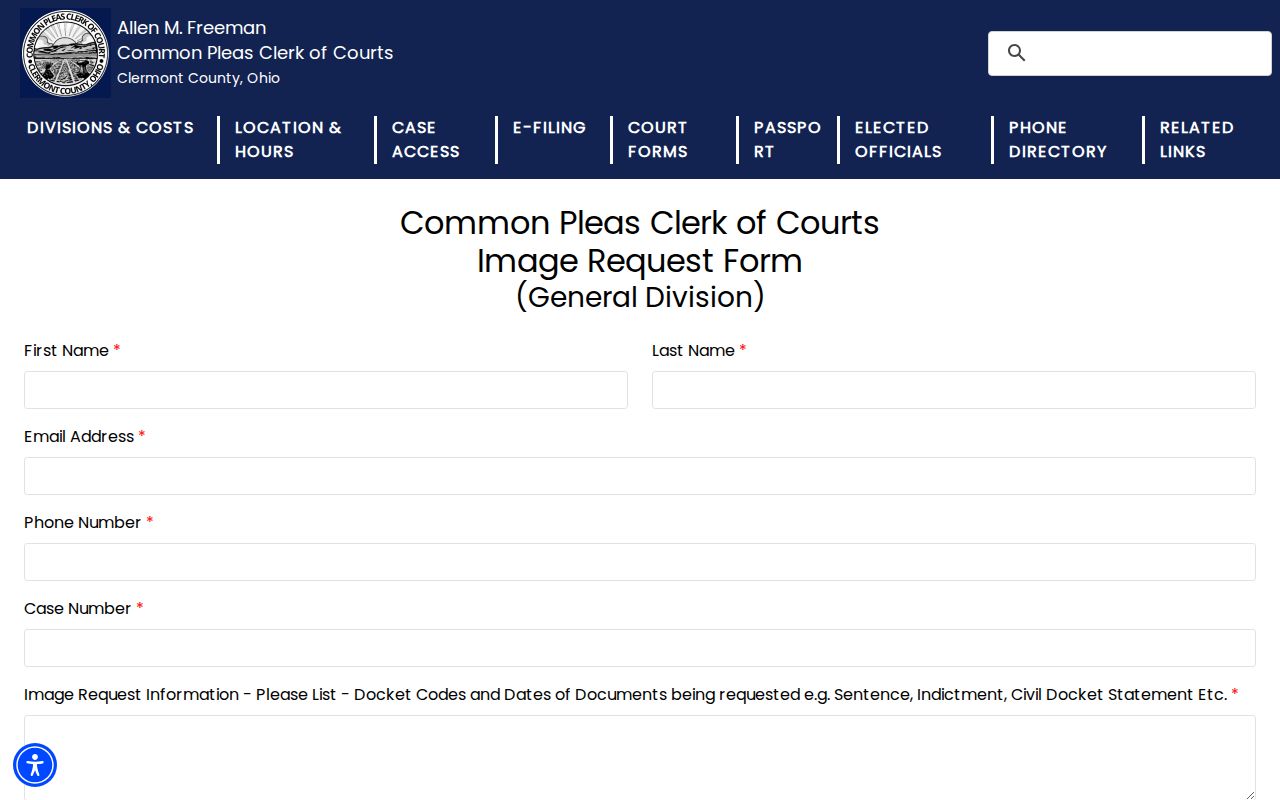
Its focus on case number, docket codes, and document dates marks the gap between finding a docket event and actually receiving the paper behind it. The docket locates the action. The form gets you the document.
Kinds of Court Records
Not all Clermont County court case records are the same thing. A docket is the official record of filings and actions, and in Clermont it can also mean a hearing schedule. In Clermont it can also mean a hearing schedule. A filed document image is the underlying complaint, indictment, affidavit, order, or judgment itself. A certified copy carries the clerk's authentication for official use. A portal view is not automatically certified. The same goes for a plain printout.
- Docket sheets and case indexes that list filings, settings, and court actions.
- Pleadings such as complaints, petitions, answers, affidavits, and motions.
- Orders, entries, judgments, and other court rulings.
- Certified copies of eligible records from the clerk who keeps the file.
- Separate transcript or courtroom-recording requests through the designated court route.
Common Pleas describes its process plainly. Filed documents are time stamped, docketed, scanned as computer images, preserved in the record, and brought to the judge's attention. None of that promises every division posts every image for remote access.
Clermont Court Records Custodians
Clermont County runs separate clerks and access paths. A court record request should never go to a generic county office. The Common Pleas Clerk holds General Division civil and felony records. It also links to Domestic Relations records. The Municipal Clerk keeps Municipal criminal, traffic, small-claims, eviction, and other municipal civil files. Probate and Juvenile operate on their own. Which court heard the case is the first fact a requester needs.
| Court record | Local custodian or route | Direct contact |
|---|---|---|
| Common Pleas General Division | Common Pleas Clerk | 270 E. Main St., Batavia; 513-732-7130 |
| Municipal civil, criminal, traffic | Municipal Clerk | 4430 State Route 222; Civil 513-732-7292, Traffic/Criminal 513-732-7290 |
| Domestic Relations decree | Domestic Clerk | 513-732-7832 or domesticclerkofcourts@clermontcountyohio.gov |
| Probate document | Probate Court direct access | 2379 Clermont Center Drive; 513-732-7243 |
The Municipal Clerk phone directory lists direct division contacts.
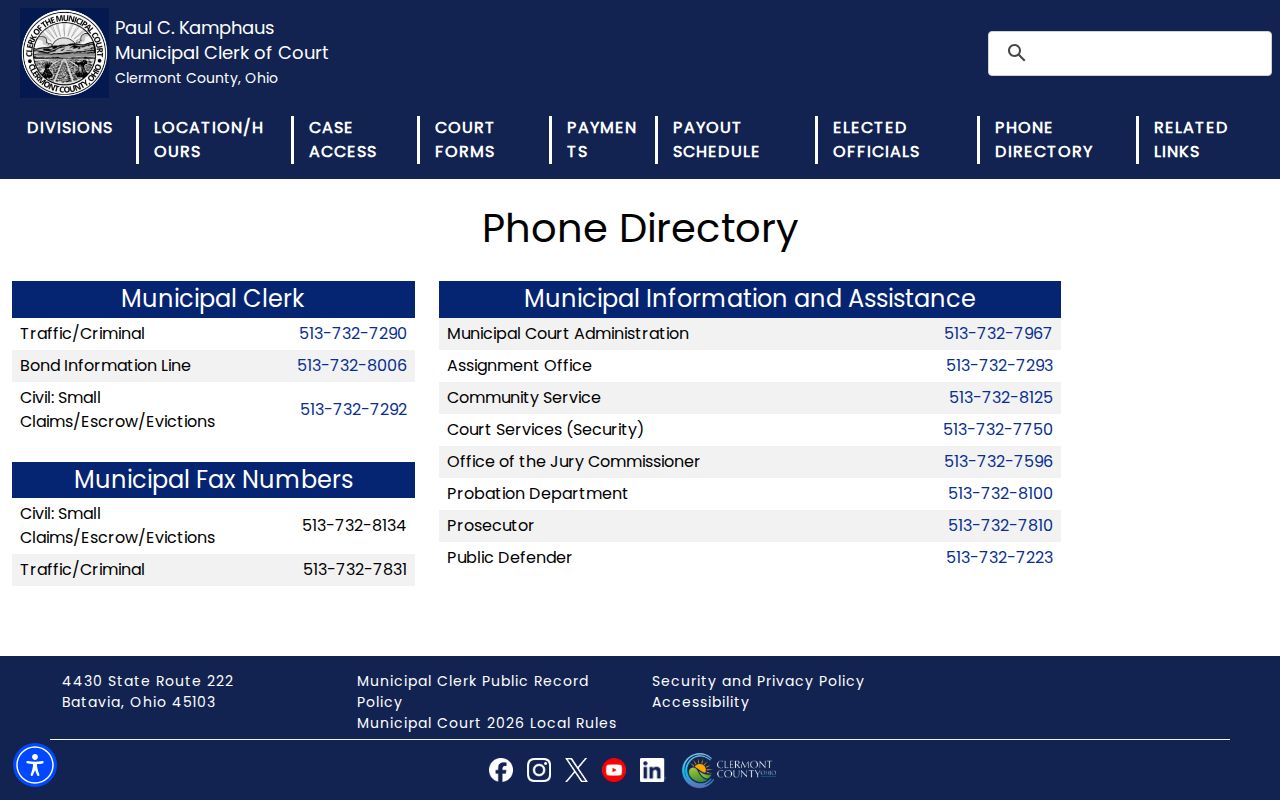
Direct division numbers earn their keep when a search result or case number does not clearly point to the right record custodian. A quick call settles the question.
Court Records: What They Contain
A Clermont County court record often holds more than the brief history in a search result. The docket shows the sequence of filings and court actions. Behind it, the file may contain pleadings, exhibits, motions, notices, orders, and judgments. Whether an item appears remotely depends on the case type and Ohio access rules. A document missing from an online interface proves nothing. The clerk may still hold a record of it.
| Case number | The court-assigned identifier that helps the clerk find the exact file. |
|---|---|
| Docket sheet | The chronological list of filed or court-generated events and actions. |
| Pleading | A complaint, petition, answer, motion, or related filed paper. |
| Entry or order | A court ruling or action recorded on the docket and, when required, journalized. |
| Judgment | A final or other court decision that may require a certified copy for official use. |
Personal identifiers and protected material may be redacted. Probate shares case information remotely but expressly excludes electronic images of all case documents, so direct access is the stated image channel.
Clermont Court Records Archives
Older cutoffs create a concrete Clermont County fallback. Common Pleas records before January 1, 1988 stay in the clerk's office. Municipal records before May 1, 1996 likewise route to the Municipal Clerk's office. Call the correct division before visiting or mailing anything. Bring the approximate year, court, case number if known, and the docket or document sought. Those details help staff pull an archived file.
The Common Pleas clerk's own history explains the split. The office moved from handwritten docket books to modern web access, while the public portals remain convenience services with documented age and division limits. An online search that returns nothing for an older file should lead to the clerk record path. Do not assume the court never held the case.
The Common Pleas clerk history provides the local record-keeping context.
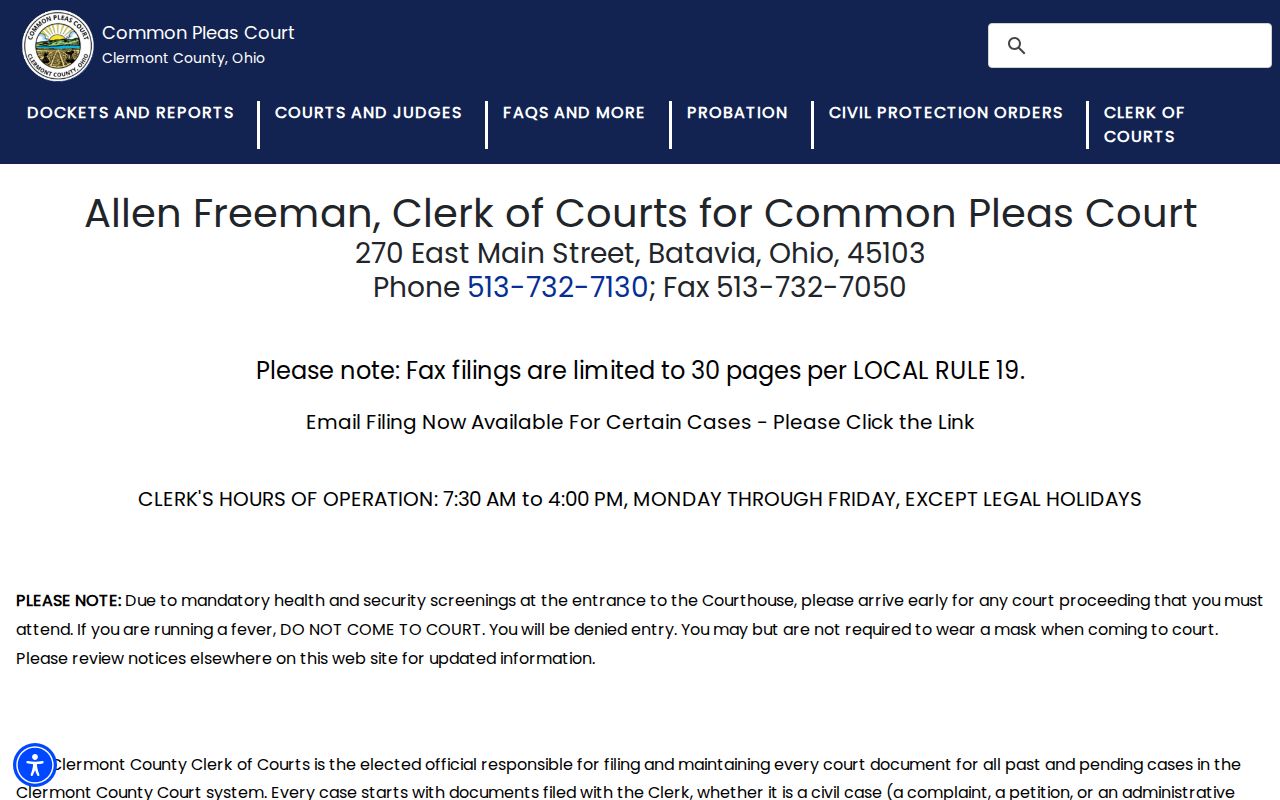
Older Clermont County court records may still live in docket books rather than online. For those cases, an archive request through the clerk remains the right way to get the record.
Copy Fees and Certification
Copy prices in Clermont County differ by division and by whether you want certification. Common Pleas General Division charges $0.10 per page for ordinary copies. Certified copies cost $2.00 per page. Municipal also lists ordinary document copies at $0.10 per page. Its June 2026 schedule sets a certified copy of record at $5. Pages add $0.10 each. An older Municipal request form showed $4.30 per charge for specified certified complaint, affidavit, and judgment items. Confirm the current price with the clerk before you order.
| Office or item | Published amount |
|---|---|
| Common Pleas ordinary copy | $0.10 per page |
| Common Pleas certified copy | $2.00 per page |
| Municipal ordinary document copy | $0.10 per page |
| Municipal certified copy of record | $5.00 plus $0.10 per page |
| Municipal digital recording copy | $1.00 |
| Domestic Relations ordinary copy | $0.10 per page |
Clermont Common Pleas General Division Clerk
270 E. Main St.
Batavia, OH 45103
513-732-7130
Domestic copy and certification fees are due when the documents are received. The Probate division publishes no fee list for documents, so ask at the Probate counter before ordering.
Clermont Court Records Request Form
The Municipal Clerk's Records Request Form handles document requests even though its file name suggests otherwise. It asks for the request date, requestor details, the full defendant name, and case numbers. It also asks for a description of the information you want. Choices include a complaint, affidavit, judgment entry, the complete case record, and certified copies. Another specified record can be named as well. No special wording is required. A clear description is what makes retrieval possible.
Mailing a request? The form tells you to include the request itself, a check or money order, and a self-addressed stamped envelope. That envelope is not needed if you will pick up the copies. Send it by mail or fax to the Municipal Clerk, Attn: Records Check, 4430 State Route 222, Batavia, OH 45103. The fax number is 513-732-7831. The office returns information by mail or makes it ready for pickup. That happens within three business days after it receives both request and payment. Contact the clerk for the price of a complete case record.
Note: A written request for a Municipal court record is not a motion. The clerk will not file it or act on it as a pending case submission.
Access Rules for Court Records
Ohio court rules and the responsible clerk control access to court records. Sup.R. 11.09 through 11.16, effective in 2026 and formerly Sup.R. 44 through 47, govern access generally, direct versus remote access, personal identifiers, and restrictions. A clerk or court must make records available for direct access within a reasonable time. Not every case document must be available remotely.
Ohio access rules: R.C. 2303.12 directs Common Pleas clerks to keep specified dockets and provide public reproduction access. R.C. 2303.901 includes docket and case documents while protecting identifiers and restricted material. Ohio’s Public Records Act supports inspection and copies for public office records, subject to exclusions.
Civil domestic-violence petitions are excluded from both local public portals. Adult sealing and expungement under R.C. Chapter 2953, Juvenile confidentiality, and a court restriction order can each limit what a docket shows. Finding a case in a public docket search does not entitle a remote viewer to unredacted attachments or to every Domestic Relations and Juvenile document.
Clermont Court Records Inspection
The Municipal Clerk's public-record policy allows inspection promptly during normal business hours. Staff accompany the inspector. That keeps original records from being altered or removed. You may pay for copies and actual mailing costs in advance. The office must identify the legal authority behind any redaction or denial. It does not have to create a new record or provide analysis. When the public portal leaves gaps, that local policy is the practical fallback.
Transcripts and courtroom recordings are their own court-record requests. Common Pleas identifies the court reporter at 513-732-7125. Municipal publishes a request form for a digital copy of a courtroom recording at a $1 digital-copy price. Municipal does not publish a transcript price or transcript availability. Verify the right reporter or court before paying for a transcript. The Common Pleas local-rules page is the official source. It covers court procedures that affect records and filings.
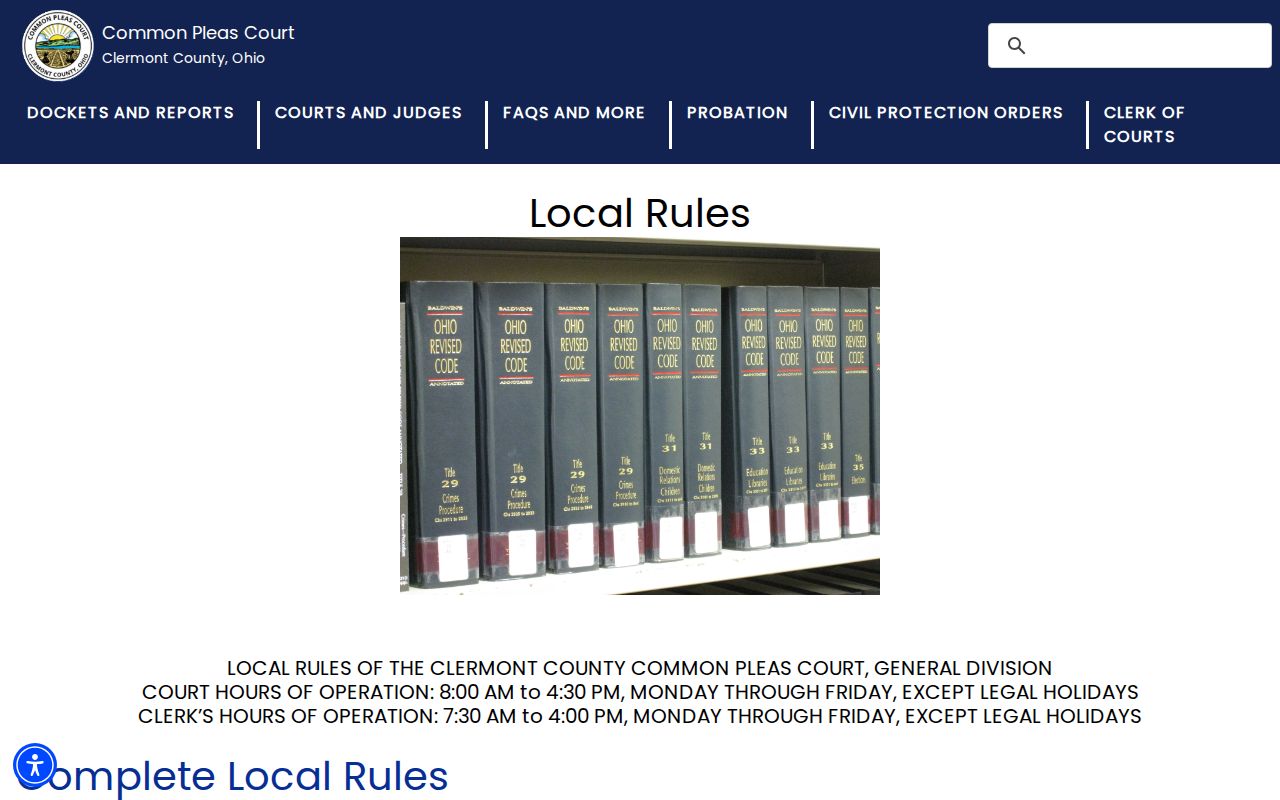
Even when a court rule explains the procedure behind a docketed filing or order, the records route stays clerk-specific. Confirm the case number before you request anything. For that routing step, use the Clermont County docket search page.