
Clermont County Criminal Docket Searches
Match the court first. A Common Pleas adult felony looks like 2026 CR 000444. The Common Pleas Clerk routes that search through its Case Access page into CourtView Justice Solutions public access. Expect a terms screen and a CAPTCHA gate. The service can lag recent filings and leaves out civil domestic-violence petitions. It is not a statewide Ohio trial-docket search either. For an adult misdemeanor, OVI, or another Municipal criminal matter, the Municipal Clerk's combined Criminal-Traffic-Civil CourtView route is the tool. After you accept the terms, it offers search paths by name, case number, case type, attorney, and action code. Still stuck? Call the Common Pleas criminal/civil desk at 513-732-7130. Call Municipal Traffic/Criminal at 513-732-7290. Do this rather than assuming the record does not exist.
- Read the court and case-number pattern on the notice, indictment, or entry.
- Open the responsible court's official public-access route and accept its stated terms.
- Use the available name, case-number, or case-type search without adding an unsupported middle initial.
- Confirm the court, case type, status, and dated events before relying on a match.
- Contact the clerk for an older record, an image, or an official copy not visible online.
Note: CourtView works well for tracking a case, but certified copies or anything the screen will not show still come from the clerk's original record.
Clermont Criminal CourtView Access
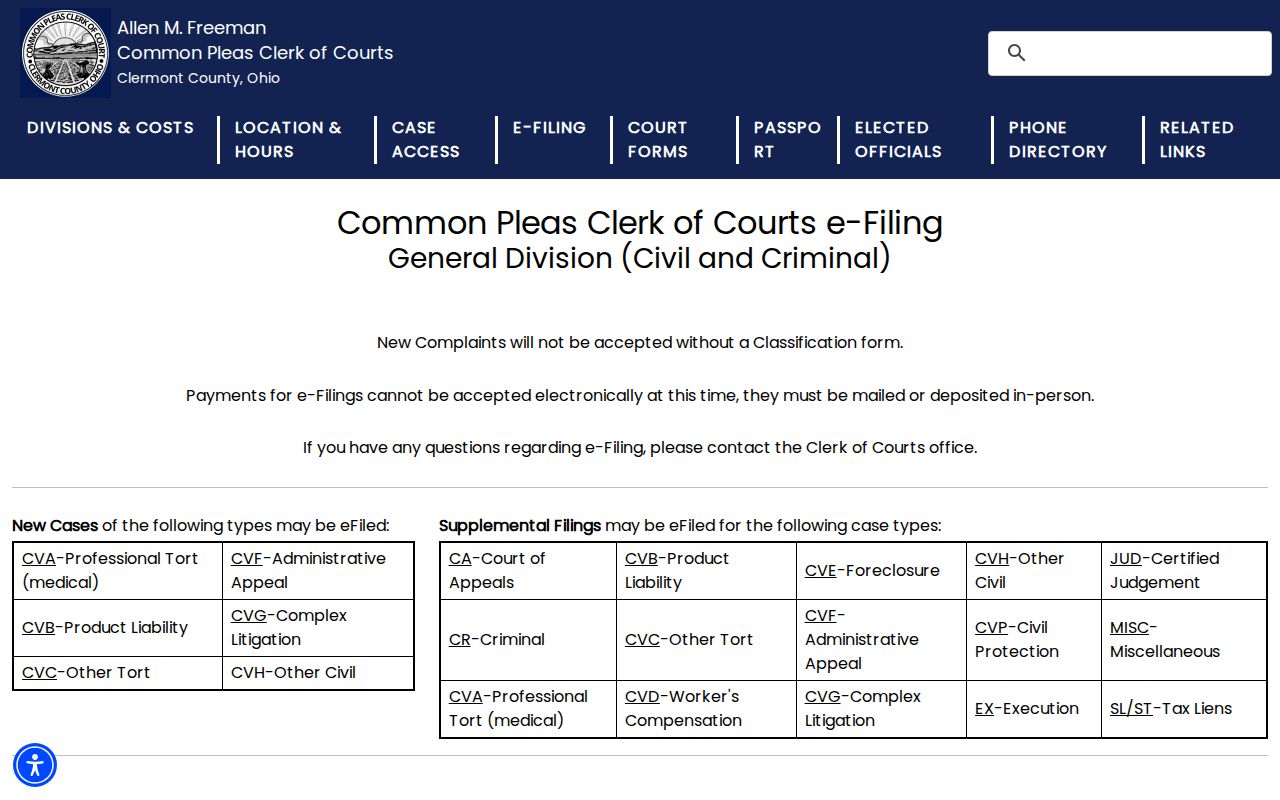
The official General Division e-filing instructions describe the clerk's filing path for eligible matters. Filing a paper and viewing the public criminal docket are separate tasks, though. E-filing does not promise that every filing image will surface in a public CourtView result. Does the docket name a document while the image is missing? Turn to the Common Pleas image-request form. Give it the case number, the docket code, and the document date. The official Common Pleas CourtView entry posts its public-access terms before any search screen appears. Its footer identifies CourtView Justice Solutions as an equivant company.
The CourtView public-access entry posts the terms that gate every search screen.
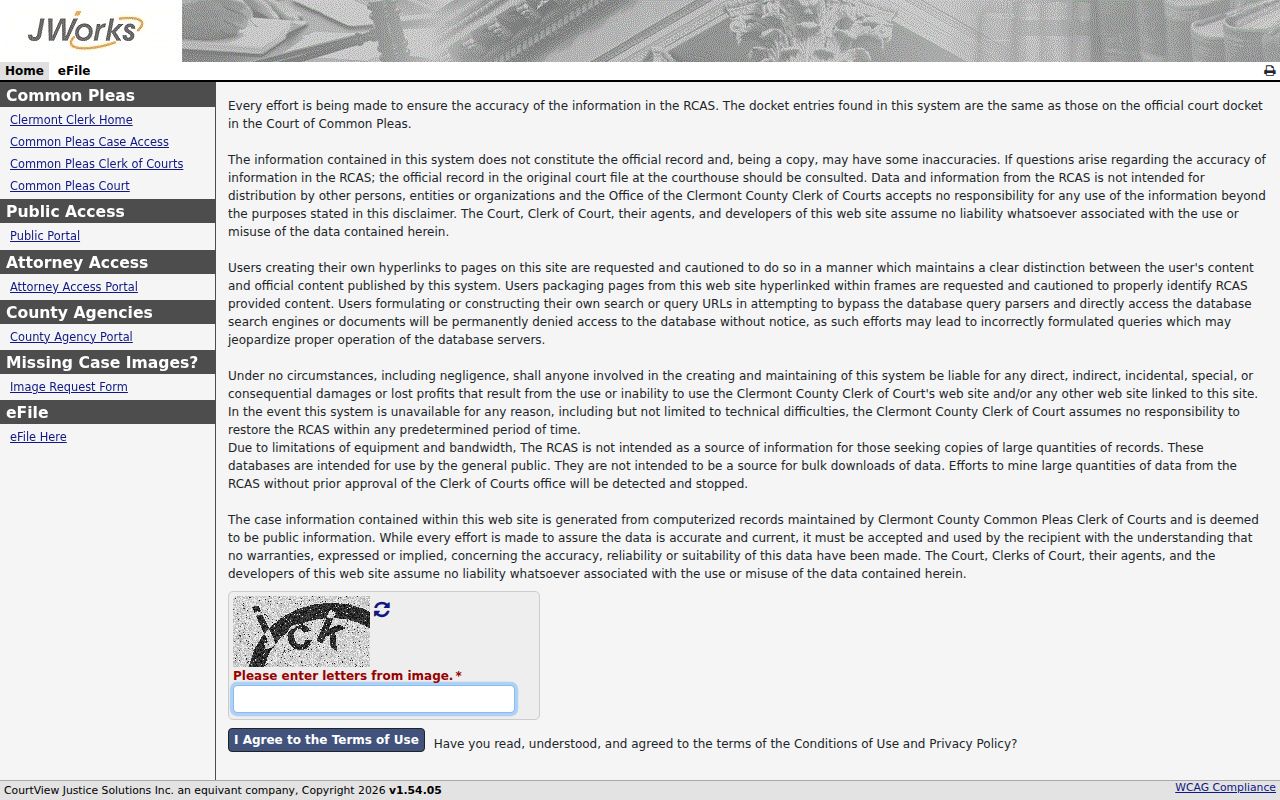
Start any Common Pleas criminal docket search at the public-entry screen. Its terms gate is also why no public page should promise search controls the court does not confirm.
Criminal Dockets: What They Show
In Clermont County, the docket is the Clerk's official chronological record of what has been filed or generated in a case. The same word can mean a judge's daily hearing schedule, so context matters. Reading a register connects the case number and parties to the charges, bond or service events, motions, entries, hearing settings, and a judgment. An entry on the docket does not guarantee its document image is viewable online.
| Case number | Identifies the court and file, such as Common Pleas YYYY CR 000000; confirm the court as well as the prefix. |
|---|---|
| Initiating item | An indictment for a Common Pleas felony file, or a complaint and affidavit in a Municipal criminal matter. |
| Event history | Dated filings, warrants or summonses, bond activity, motions, entries, settings, and orders. |
| Setting | Arraignment, plea or trial setting, pretrial, motion hearing, trial, or sentencing, depending on the court. |
| Disposition | A judgment, dismissal, plea result, sentence, or other final action; read the actual entry for scope and date. |
Clermont publishes no general CourtView code legend. The Common Pleas image-request form, though, asks for docket codes and dates and offers Sentence, Indictment, and Civil Docket Statement as examples. Using those exact labels keeps a request precise instead of leaving the clerk to guess at an abbreviation.
Clermont Criminal Docket Courts
Adult felony criminal dockets belong to the Court of Common Pleas, General Division. The Clermont County Clerk of Courts, Common Pleas / Domestic Relations, keeps grand-jury indictments. It also keeps summonses or warrants once a case opens, bail bonds, the arraignment docket, judge assignments, and criminal costs. Common Pleas records older than January 1, 1988 take a clerk-office route, not a portal. Clermont County Municipal Court holds adult misdemeanors, traffic offenses, OVI, and other lower-level criminal files. A felony preliminary matter can pass through Municipal Court. But an indictment-level adult felony belongs at Common Pleas. Juvenile delinquency and juvenile traffic sit in separate Juvenile Court records. The clerk's General Division information covers the felony clerk functions and direct contact details.
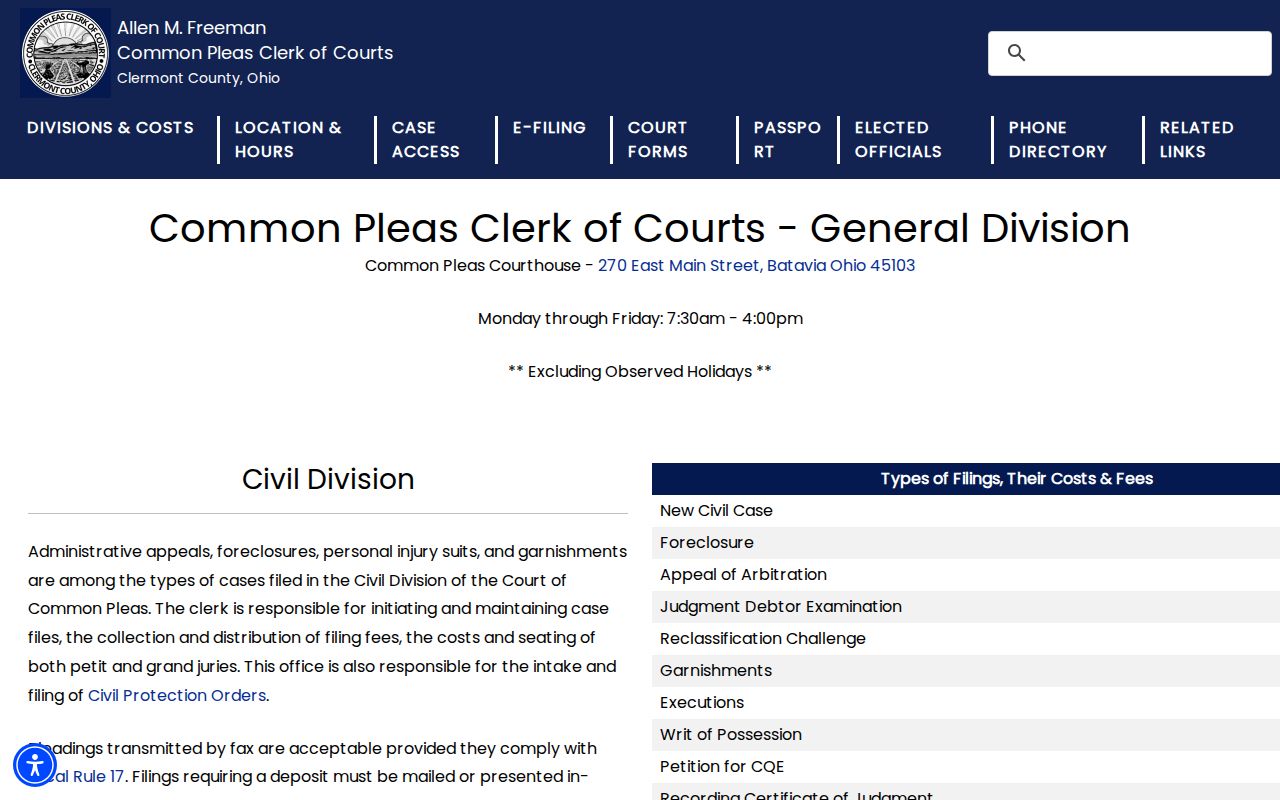
The clerk division keeps the official Common Pleas criminal file. A setting that moved on short notice should be confirmed with the Assignment Office.
Criminal Case Stages on the Docket
Read a Clermont criminal docket as a sequence rather than a one-line outcome. A Common Pleas case practically begins after a grand-jury indictment, while a Municipal file may open with a complaint or affidavit. From there, entries can cover a warrant or summons, bond, arraignment, a plea or trial setting, pretrial work, motions, a plea or trial, sentencing, and an appeal. Labels vary by court, but the local clerk duties and rules back up that path.
Docket flow: Filing → Arraignment → Pretrial → Plea or Trial → Disposition → Sentencing
Common Pleas weekly dockets may list Arraignments, Plea or Trial Setting, and Sentencing on Community Control Violation. Municipal rules treat a plea or trial setting differently from an initial pretrial. A filed continuance motion is only a request. Nothing is reset until the court acts. The docket or Assignment Office shows the change. Note: An appeal creates its own level of court record. It does not replace the Common Pleas or Municipal criminal docket.
Clermont Specialized Criminal Dockets
Clermont Municipal Local Rule 54 creates a Specialized Docket for Multiple OVI Offenders. That OVI docket started in June 2005 and holds Supreme Court certification. A second track exists for mental health cases. Municipal Local Rule 61 established the Clermont County Mental Health Court Specialized Docket Program. It took effect May 1, 2022. Both programs layer case management onto a prosecution. They do not split the matter into some separate public record.
Read a specialized-docket entry with care. Under Rule 61, an eligible case moves to the specialized-docket judge. It is statistically disposed once the defendant pleads guilty or no contest. That is bookkeeping, not disclosure. Rule 57 still treats probation reports, drug screens, treatment information, case notes, and similar materials as confidential. The protection holds unless the court permits copying. For background on how the court developed, see the Municipal Court history page.
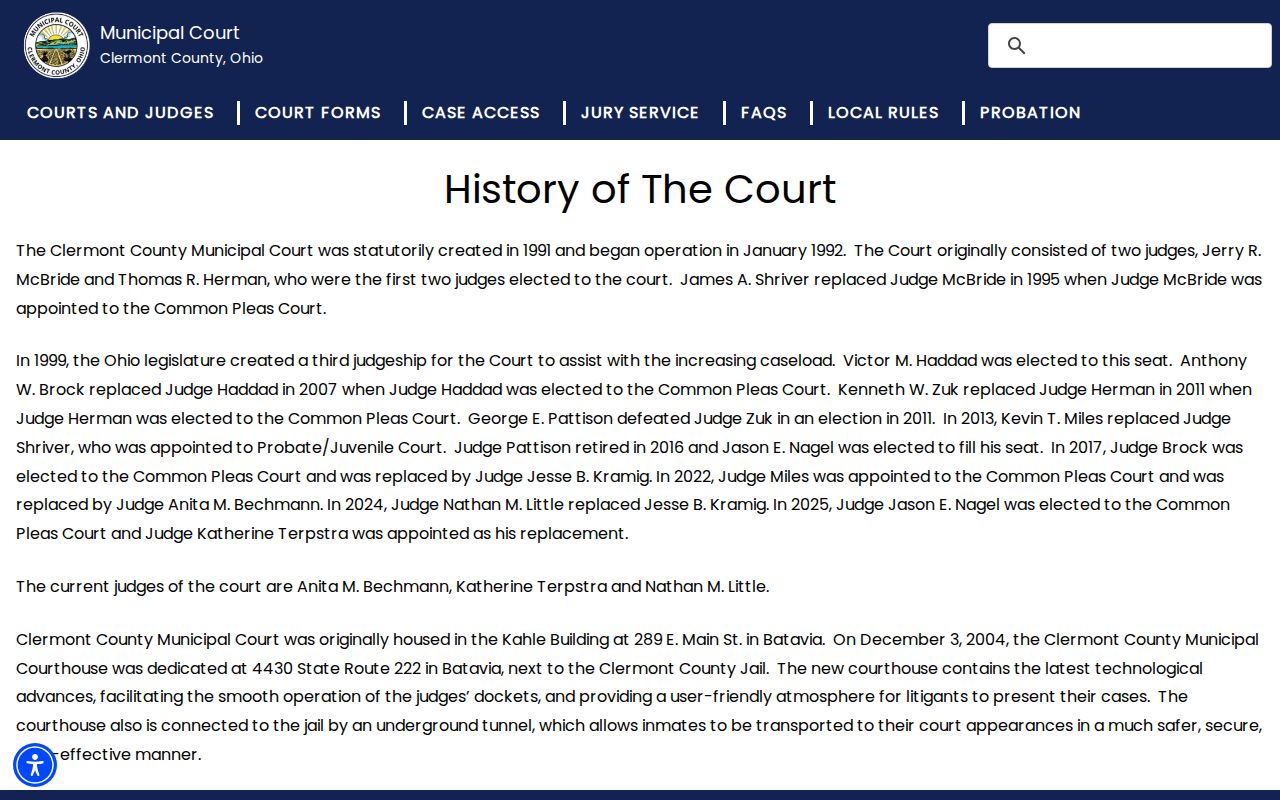
The court opened its doors in 1992. Per the Municipal Court history, it now seats three full-time judges. That growth explains why criminal, traffic, and specialty-docket records run through a clerk system of their own.
Clermont Weekly Criminal Dockets
For advance court dates, check the Common Pleas Dockets and Grand Jury Reports page. It posts weekly judge schedules. Treat them as snapshots, nothing more. Continuances, settlements, guilty pleas, and other changes can all shift a setting after publication. So a weekly schedule helps you plan a near-term appearance. It does not replace the case docket's filing history. For same-day certainty, confirm the hearing with the Assignment Office at 513-732-7108. The Common Pleas court homepage rounds out the courthouse-level information.
One courthouse, two distinct offices. The General Division clerk keeps the record, while the Assignment Office manages the calendar for a Clermont criminal matter, and knowing which office handles what saves a wasted trip.
Access Rules for Criminal Dockets
Access to an Ohio court record starts with the court and clerk responsible for it. The current Rules of Superintendence, Sup.R. 11.09–11.16, formerly Sup.R. 44–47, presume court records are open. The same rules govern direct access, remote access, redaction, and restrictions in separate provisions. A portal is only a convenience. It may miss a new filing, a restricted document, or images that direct access would show, so go to the clerk when the portal comes up short.
Ohio access rules: Sup.R. 11.09–11.16 address court-record access and restrictions; R.C. 2303.12 directs Common Pleas clerks to keep dockets and provide reproduction access; R.C. 2953.32 governs adult sealing and expungement procedures.
Civil domestic-violence petitions appear on neither local public access page. Juvenile records carry their own confidentiality rules entirely. Redaction of personal identifiers and protected material is routine. A court can also restrict any document by motion or order. Remember, then, that an absent public result never proves a case did not exist.
Clermont Criminal Case Code Routing
Case-number prefixes can steer a Clermont docket search in the right direction. They cannot replace the court named on the file. The Common Pleas Clerk's local example of an adult criminal file is 2026 CR 000444. Municipal files look different. One example is 2025 CR B 10160 for criminal. Traffic uses 2026 TR C 15112. Because spacing and sequence vary, pair the number family with the court.
This routing check keeps a felony inquiry out of the Municipal criminal portal. It also stops a traffic ticket from being read as an adult felony. Juvenile, Probate, and Domestic Relations each use separate number families and access routes. When a number does not fit the expected court, verify it with the responsible clerk. Do that before requesting a record or trusting a no-result search.
Clermont Criminal Record Requests
Sometimes the real question is the document image behind a docket entry. For that, switch channels. The Common Pleas clerk's image-request form asks for a first and last name and contact information. It also wants the case number plus the relevant docket codes and document dates. The form posts no response time or fee. Ask the clerk to set those once your request is precise.
Municipal records work differently. For a complaint, affidavit, judgment, or complete record, send the Municipal records-request form by mail or fax. You can also inspect the original during regular business hours with staff present. Or simply contact the clerk. Plain copies run $0.10 per page. Certified copies cost $5 plus $0.10 per page under the current schedule. Want a transcript? Go through the court reporter, not the docket search.
Address Common Pleas and Municipal requests to the correct clerk, since each serves different files. The Municipal public-record policy requires an employee to accompany anyone inspecting originals. That rule keeps records from being altered or removed. Common Pleas felony filings run through its own clerk operation. Describe the court, case number, document type, and date if known in any request. That precision matters most when the public docket lists an event title. It may not show the image you actually need.