
Name-Based Case Searches
Know the court first. Then a Clermont County docket search by name becomes simple. The Municipal CourtView system posts a public name-search tab, and its instructions call for last name plus first name only, with no middle initial. Common Pleas and Domestic Relations run on their own CourtView entries, though both sit behind a terms and CAPTCHA gate. Their search fields may differ from the Municipal screen.
Treat a name match as a lead, not an answer. Compare the court, case type, status, and filing sequence against a paper notice or a known case number before concluding you found the right matter. A similar name proves nothing. CourtView is a public access route, and the clerk's official certified record remains the authority.
- Identify the court or subject area before opening an access route.
- For Municipal cases, enter the last and first name as the portal instructs.
- Use type, status, party role, and date filters to narrow the court’s public results.
- Confirm the returned case against the court and case number before relying on a docket event.
Clermont Docket Search Routes
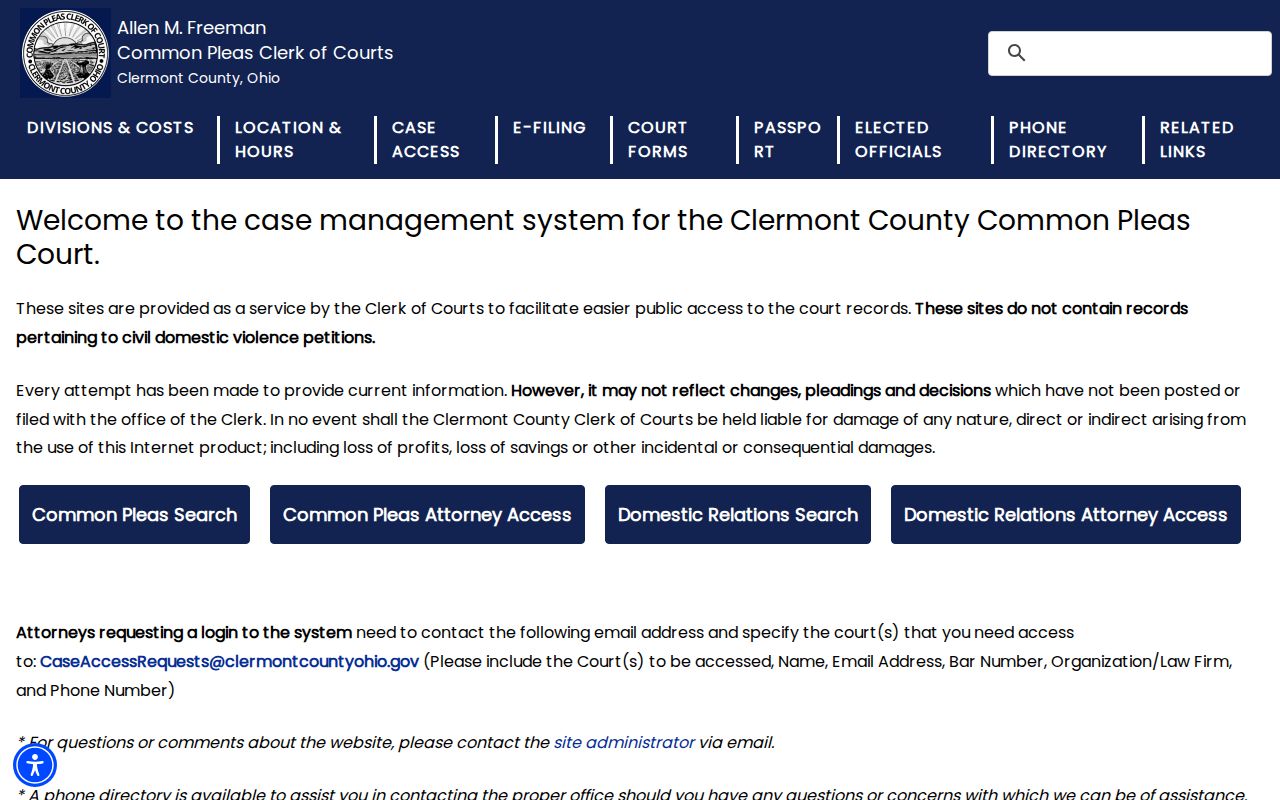
Clermont County runs its public access through court-specific CourtView Justice Solutions entries. The Common Pleas Case Access page links the General Division public entry and spells out its limits. Online information can lag behind unposted filings or decisions. Civil domestic-violence petitions are excluded entirely. Expect a terms screen with a CAPTCHA before the public search loads. For a current official answer, call the Common Pleas Criminal/Civil information desk at 513-732-7130.
Domestic Relations keeps a separate public entry from Common Pleas General Division. Divorce, dissolution, custody, support, and non-criminal domestic violence cases follow that distinct court path. A general search will not capture every domestic matter. The Domestic Clerk offers direct fallbacks at 513-732-7832 or domesticclerkofcourts@clermontcountyohio.gov.
The official Common Pleas access notice names the public route and its exclusions.
That court-specific design is why a Clermont search should start with the division rather than any statewide trial-court portal. The Domestic Relations CourtView entry is the official separate public path.
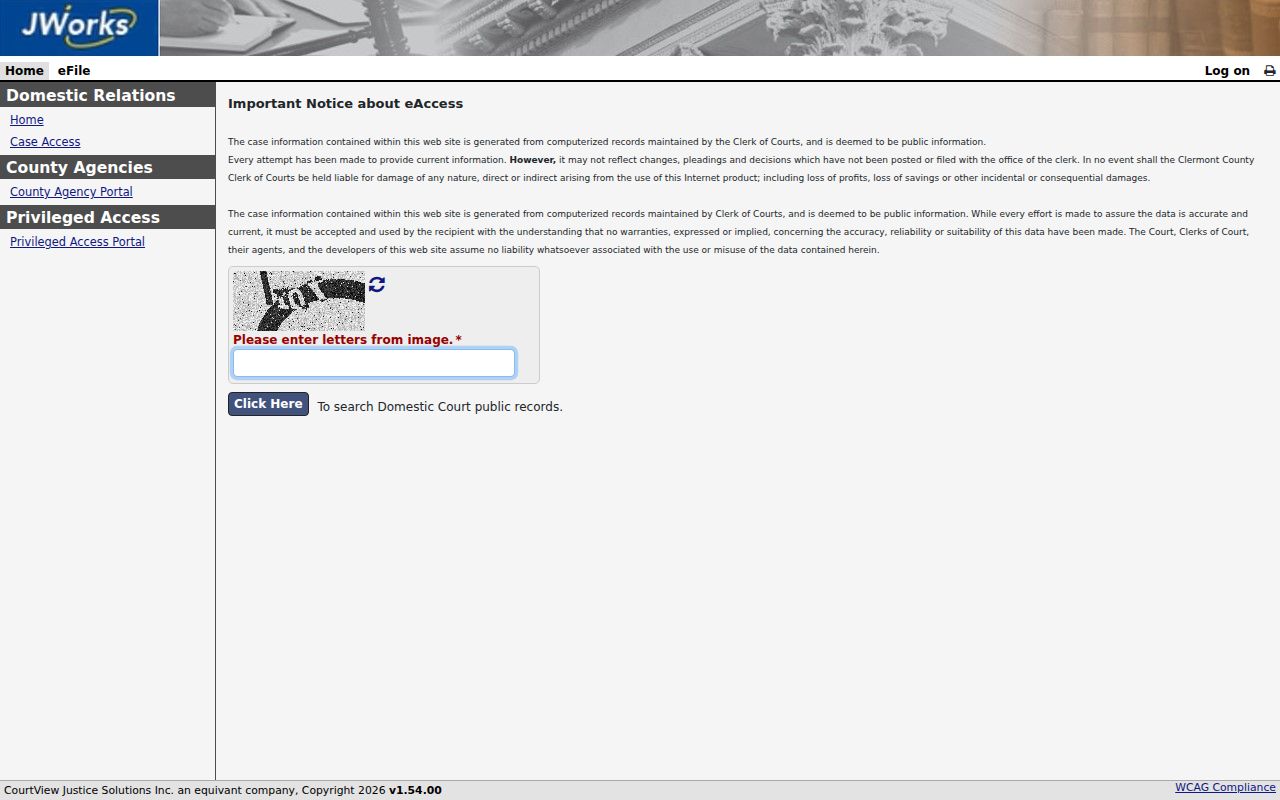
Using the division-specific entry points a Clermont County docket search at the right clerk operation.
Clermont Docket Search Terms Gateway
Both the Common Pleas and Domestic Relations public entries open with a terms gateway. You will see an agreement action and a CAPTCHA response field. Public, attorney, and county-agency routes sit separate. The Common Pleas notice describes attorney access as a requested-login process. That is not a stated prerequisite for public searches. The gateway alone tells you nothing about the search labels that come after it.
Local search limit: A CourtView terms screen establishes the access route, but it does not document every later search field, result column, or image option.
Run a public case search only through the live court interface and the clerk's stated access channels. When the terms route leaves a record question open, the responsible Clermont clerk can point you to the proper direct-access or request path.
Case Number Searches
A case number often routes a Clermont County case search faster than a name. The Common Pleas Clerk gives examples such as 2026 CR 000444 for Common Pleas criminal and 2025 CVP 74981 for a civil-protection pattern. Judgment filings show 2024 JUD 937936. Municipal examples include 2026 TR C 15112 for traffic and 2025 CR B 10160 for criminal. Civil filings show 2024 CV I 04042.
Domestic Relations filings carry prefixes like DRA, FD, and DRH. Probate uses ES, ML, and TT. Juvenile examples include JA, JD, and JX. Treat these as local routing examples. They are not a guarantee of fixed spacing or every future format.
The Clerk's Which Court guide is the official local reference for these case-number families.
Clermont Docket Search Court Choice
The court name stays the most important Clermont County search filter. Common Pleas General Division handles adult felony charges. It also takes larger general civil matters. Municipal Court takes misdemeanors, adult traffic, small claims, and eviction, with civil matters at or below $15,000. Domestic Relations, Probate, and Juvenile each run subject-based routes of their own. For a specialized division case, a dollar amount is not the first routing fact.
Clermont appeals go to the Ohio Twelfth District Court of Appeals. That court can open a separate appellate file. The appellate court is no substitute for the underlying Common Pleas or Municipal docket. Match the court first. Then use its public entry or contact its clerk directly.
Clermont Docket Search Fields
The Municipal CourtView public route sits behind the same terms acceptance. It asks for no CAPTCHA at that stage. The screen offers Home, Search, Calendar, Log on, and a results selector for 50, 100, or 150 entries. Search tabs cover Name, Advanced Case #, Case Type, Case Number, Advanced Attorney, and Action Code. Open an individual case there. You will see the public result columns and docket-detail fields the clerk provides.
| Search tab | Documented fields or filters | Format note |
|---|---|---|
| Name | Last and first name, optional middle name, suffix, company, case type/status, party type, and date ranges | Do not enter a middle initial |
| Advanced Case # | Year, type, number | Year uses yyyy |
| Case Type | File-date range, case type, optional status and party type | Dates use MM/dd/yyyy |
| Case Number | Case number | Exact number route |
| Action Code | Action code and beginning/end dates | Official selector has 2,260 values |
Published case-type choices include Criminal, Civil, Traffic, Rent Escrow, Probable Cause, and other listed categories. The live selector holds the full action-code list. The Municipal Clerk Case Access page confirms the combined Criminal-Traffic-Civil search scope.
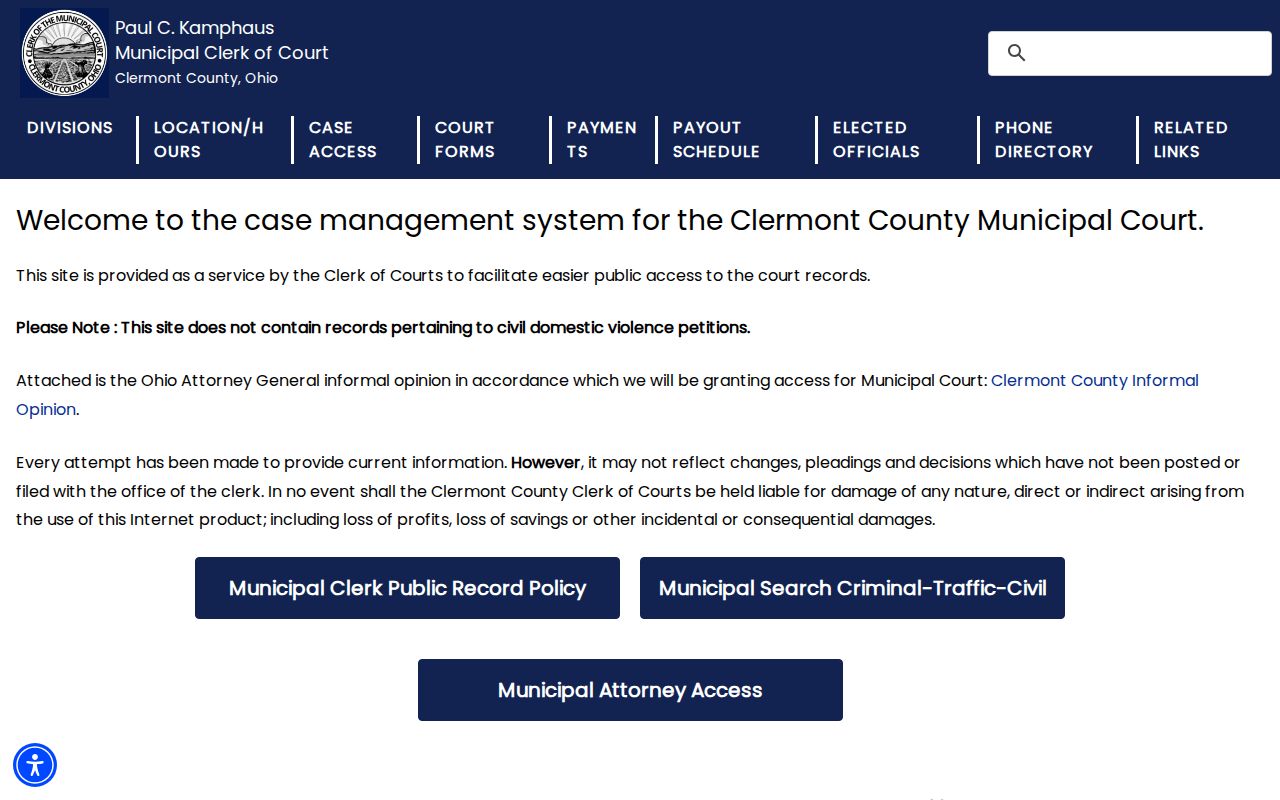
That combined portal covers adult Municipal cases well. It does not replace the separate Juvenile or Probate access routes.
Case Search Results Explained
Think of a Clermont County search result as an index. It is not the full case file. The clerk describes a docket as the official record of every document. Those are documents filed or generated in a case. In practice, the docket ties the case number, court, and parties to dated filings. It also covers service activity, motions, orders, hearings, and final judgments. What you can see from home varies by division and access rule.
| Court and division | Shows which Clermont court owns the case record. |
|---|---|
| Case number and type | Helps confirm the local case family and portal route. |
| Status | May identify an open, closed, reopened, or other listed Municipal status. |
| Docket event | Records a filing, notice, order, setting, or judgment entry by date. |
| Document image | May be unavailable even when the docket records that a document was filed. |
A filed motion only shows that someone asked. Check the later entry or order before assuming it was granted. When the public result lacks the official document, contact the clerk for it.
Clermont Docket Search Calendar
In Clermont County, a case lookup and a date lookup are cousins, not twins. Common Pleas posts weekly judge dockets on its Dockets and Data page. The reports cover the current week and the next one. They go up in advance. That means entries can shift after continuances, settlements, guilty pleas, or other changes. Need a firm Common Pleas date? Call the Assignment Office at 513-732-7108. Municipal CourtView takes a different approach with its Calendar tab. Filters cover judge, location, and event type. You can include resulted events. Date links lead into the case details. The interface warns that not every judge, location, event type, or event may appear. So a missing calendar result does not prove there is no hearing. For a current Municipal date, fall back on the notice or the direct Clerk lines.
- Calendar event
- A scheduled court event that can lead to the associated case detail.
- Setting
- A notice of a scheduled court event; confirm it against current court information.
- Continuance
- An approved postponement, not merely a request to postpone.
- Entry
- A record of a court action or ruling that can affect the next setting.
Clermont Docket Search Document Limits
A Clermont County docket search can tell you an action was filed. It may not hand you the paper itself. The Common Pleas Clerk defines a docket as the official record of filed or court-generated documents and events. Its image-request form asks for a case number, docket codes, and document dates. Probate goes further. It excludes electronic images of all case documents from remote access. Locally, these are two different access questions. A docket result and a document image are separate asks. The Common Pleas image-request route is the targeted fallback for a specific document. For Municipal papers, the clerk's written records-request process is the documented path. If an image is missing, that is a remote-access limit. It is not proof the document was never filed.
Two Ways to Search: County and State
Ohio has no single statewide trial-court docket search. None covers every Clermont County case. Instead, Clermont points the public to court-specific CourtView Justice Solutions portals. Ohio Supreme Court materials, statewide caseload reporting, and state appellate resources serve narrower purposes, and none replaces the Common Pleas, Municipal, Domestic Relations, Probate, or Juvenile trial-court record route.
| Search layer | What it can do | What it cannot replace |
|---|---|---|
| Clermont court portal | Routes to its named court’s public case information | A complete set of document images or every restricted case |
| Clerk counter or direct contact | Confirms a division, older file, access rule, or copy process | Independent legal advice or a new court filing |
| Ohio appellate materials | Relate to cases that reach an appellate court | A unified Clermont County trial docket |
Clermont appeals head to the Ohio Twelfth District Court of Appeals. An appeal opens a separate appellate file. It does not replace the trial docket.
Clermont Docket Search Divisions
Probate and Juvenile matters keep their own Clermont County access routes. Probate CourtView gives case access. But the Probate court states that electronic images of all case documents are excluded. So for papers, the documented route is direct access. Go to Probate Court. The Probate contact is 2379 Clermont Center Drive in Batavia. The phone is 513-732-7243. A Probate case-access hit never promises you can download the underlying papers. The Probate CourtView entry is the official public starting point.
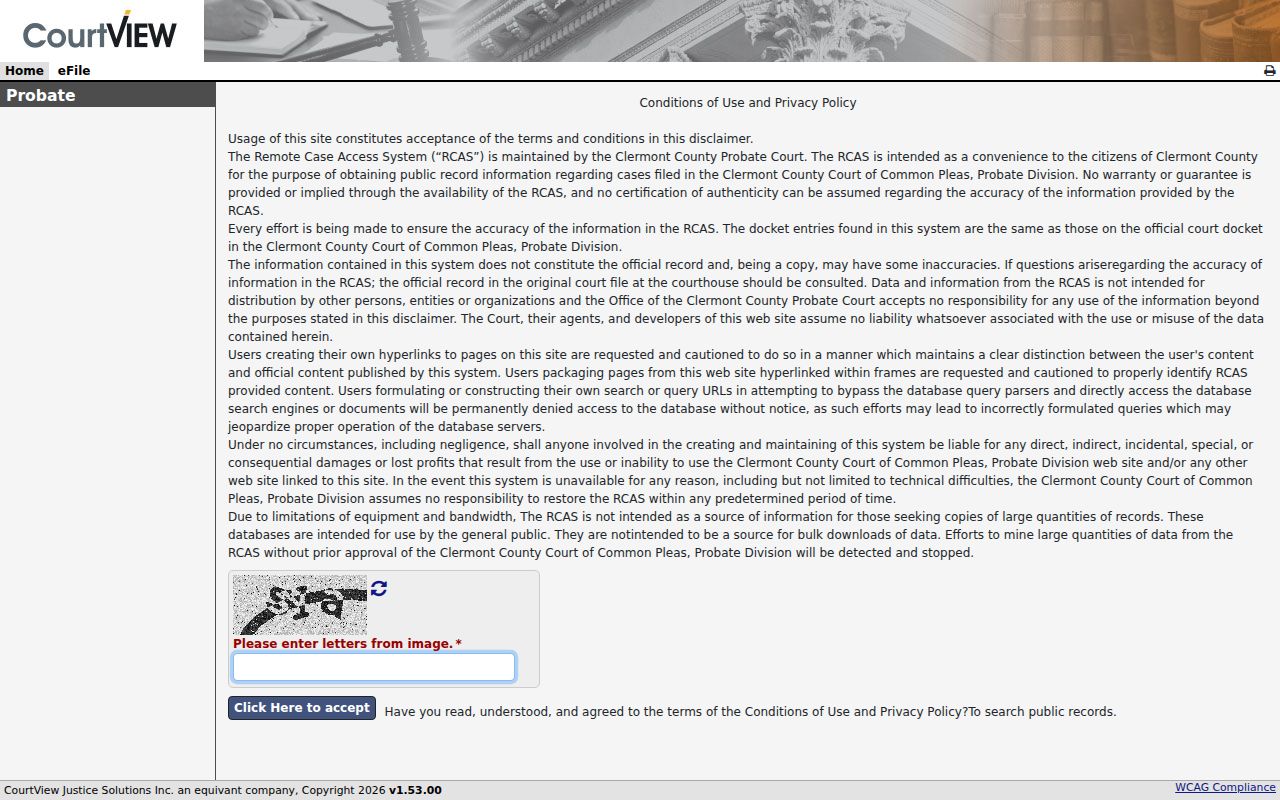
That separate Probate path reflects the court's own record rules. Its image limitation is part of that. Juvenile runs on a distinct e-services entry. Confidential-record rules apply there. A Juvenile traffic case stays with Juvenile Court rather than an adult Municipal traffic search. Procedural questions go to Juvenile Court at 2340 Clermont Center Drive in Batavia, 513-732-7696. The Juvenile e-services entry is the applicable online route.
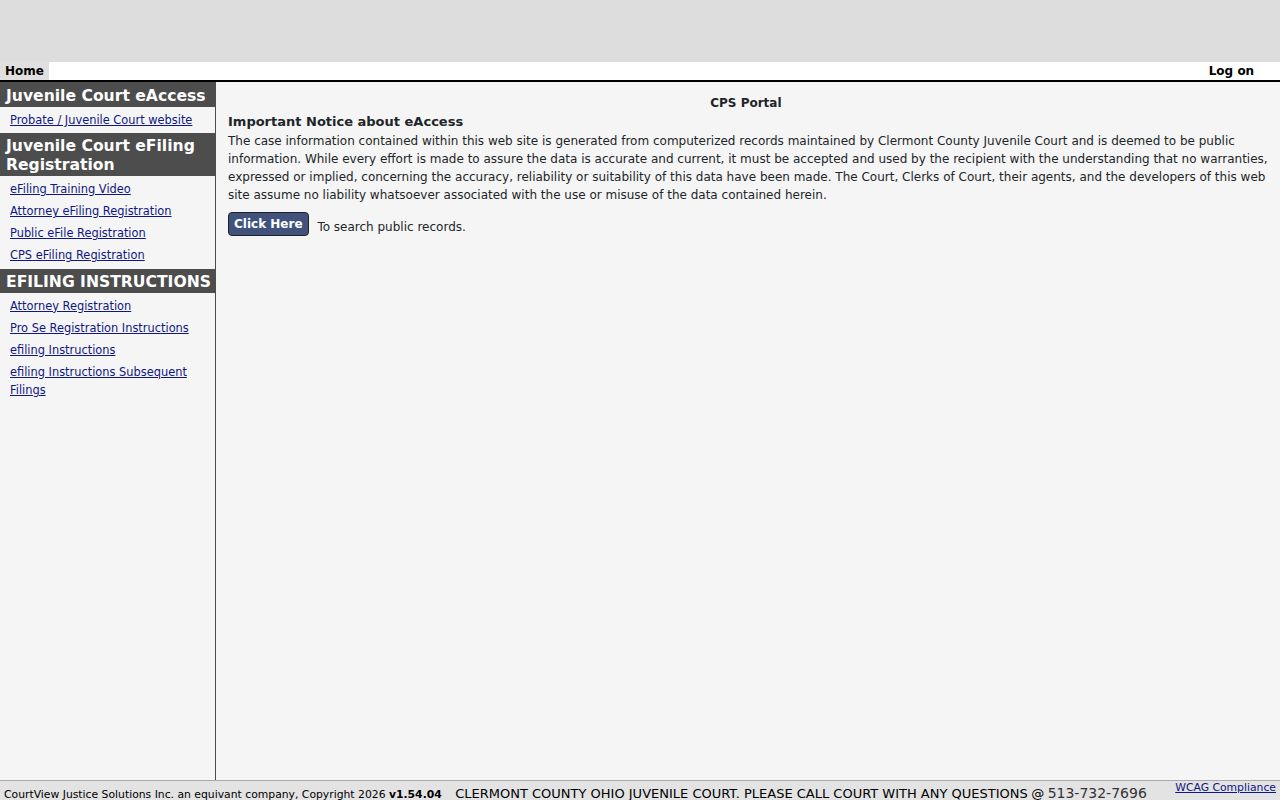
A separate entry is no guarantee that confidential Juvenile case information is complete online.
Which Cases Stay Restricted
Not every Clermont County case is fully public. Some information is excluded, redacted, sealed, or restricted. The Common Pleas and Municipal public access pages both note that civil domestic-violence petitions are absent. Probate remote access leaves out electronic document images. Juvenile follows separate confidentiality rules. An absent result can reflect an exclusion, and it does not prove a court event never happened. The rules behind this come from the state. Ohio Sup.R. 11.09 through 11.16, formerly Sup.R. 44 through 47, separate public, direct, and remote court-record access and protect personal identifiers. R.C. Chapter 2953 governs adult sealing and expungement. A party, subject, or court may seek a restriction under those rules.
Access point: A public portal result is a convenience service. For material that is excluded, old, or not imaged, ask the responsible Clermont clerk about the direct-access or records-request path.
Clermont Docket Search Fallbacks
An online search that comes up empty still has local next steps. Common Pleas records before January 1, 1988 sit in the clerk's office. That office is at 270 East Main Street, Batavia. Municipal records before May 1, 1996 are held by the Municipal Clerk. The address is 4430 State Route 222, Batavia. For a missing Municipal record, call Traffic/Criminal at 513-732-7290 or Civil at 513-732-7292. For an unposted or missing Common Pleas item, call 513-732-7130.
Need a filed document rather than case status? Use the right records channel. Common Pleas offers an image-request form. It wants a case number, docket code, and document date. Municipal keeps a records-request form for complaints, affidavits, judgments, or complete files. The full document and copy routes are laid out on the Clermont County court case records page. Note: A direct clerk request should name several things. Include the court, division, approximate year, case number if known, and the specific record sought.