
How the Clermont County Court Calendar Works
Common Pleas leads the way on public scheduling. Through its Dockets and Grand Jury Reports page, the court posts each judge's weekly docket. That docket covers the current and next week. The court calls these reports a convenience. Parties, witnesses, attorneys, and other interested people are the intended readers. A weekly docket is still an advance schedule, though, and not a permanent case register.
Municipal Court works differently. It offers no standalone public calendar search. Its FAQ points people to the date and time printed on their notice, and it sends questions to the Clerk. Domestic Relations, Probate, and Juvenile each keep separate record paths as well. So if a Common Pleas schedule lookup comes up empty, do not assume the hearing vanished. Reroute by court type instead.
The Common Pleas weekly-dockets page is the official source for the schedule view that follows.
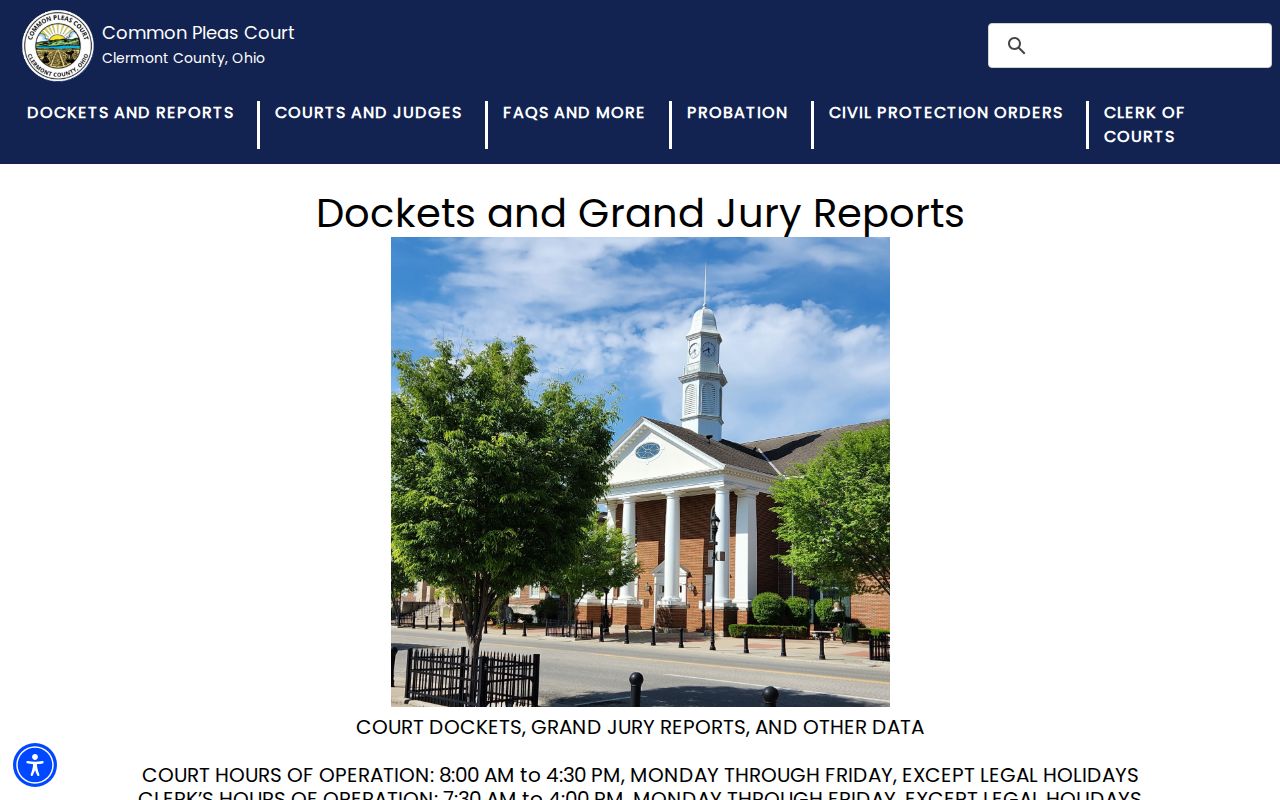
For a Common Pleas judge's near-term hearing schedule, the weekly-dockets page is the court's named publication route.
Clermont County Court Schedule PDFs
Each Common Pleas schedule PDF identifies the court at the top. The header also lists the date range, generated date, page number, and assigned judge. Dated settings below that header can carry a local case number and a start time. They may also include an event description, role-labelled party and attorney columns, and comments. Typical event labels include Scheduling Conference and Status Conference. You may also see Trial Setting Conference, Arraignments, Plea or Trial Setting, and Sentencing on Community Control Violation.
These fields are great for finding the right day. They are not a substitute for matching. Always confirm the court and local case number. Do that before trusting any name match on a printed schedule. The court itself warns that published dockets change. Continuances, settlements, guilty pleas, and other modifications all alter them. When a schedule and a live court confirmation disagree, the confirmation wins.
Clermont County Court Date Lookups
Sequence your lookup to fit the court. Common Pleas gives you both a public docket route and weekly judge schedules. Municipal Court relies on the notice plus a direct call to the Clerk. One more thing is worth knowing. The Common Pleas Assignment Office keeps the future trial and hearing dates, not the public search portal. The office sets those dates at judges' direction, and it revises the schedules whenever something changes.
- Read the notice, citation, or docket entry for the court and case number.
- For Common Pleas, check the posted weekly docket and the court-specific CourtView access route.
- Call the Common Pleas Assignment Office at 513-732-7108 for a close-in or uncertain setting.
- For Municipal Court, read the notice first and call Traffic/Criminal at 513-732-7290, Civil at 513-732-7292, or Assignment at 513-732-7293 as the case requires.
- Use the responsible clerk's counter when online information is unavailable or an older record must be located.
The Common Pleas phone directory is where the clerk and Assignment contacts come from. That official view follows.
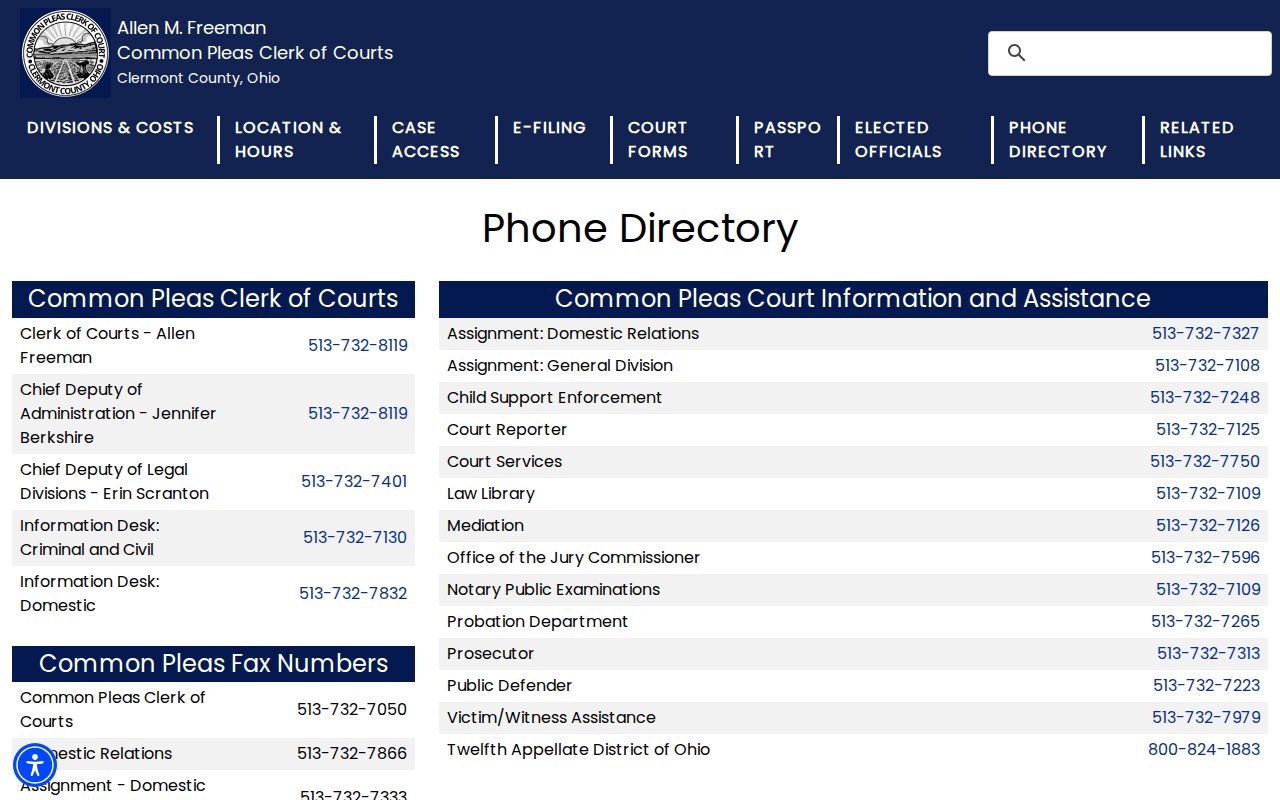
The phone directory separates clerk, assignment, and court-reporter work. That split helps you reach the office that actually controls a court-date question.
Clermont County Court Schedule Assignment
The Common Pleas Assignment Office sits on the second floor of the courthouse. It is across from Courtroom 201. Its staff assign future trials and hearings at the judges' direction. They also update docket schedules, mail notices, and point people to the right courtroom. The office takes public scheduling calls too. The clerk keeps the filed records, while the Assignment Office confirms the calendar. Knowing that local split solves a common Clermont scheduling headache.
The court's Assignment Office FAQs make one point plain. Only a judge can grant a continuance. The office cannot move a date or set a motion without the assigned judge's approval. So a filed request to reschedule is not a new date. That holds even after the clerk receives it.
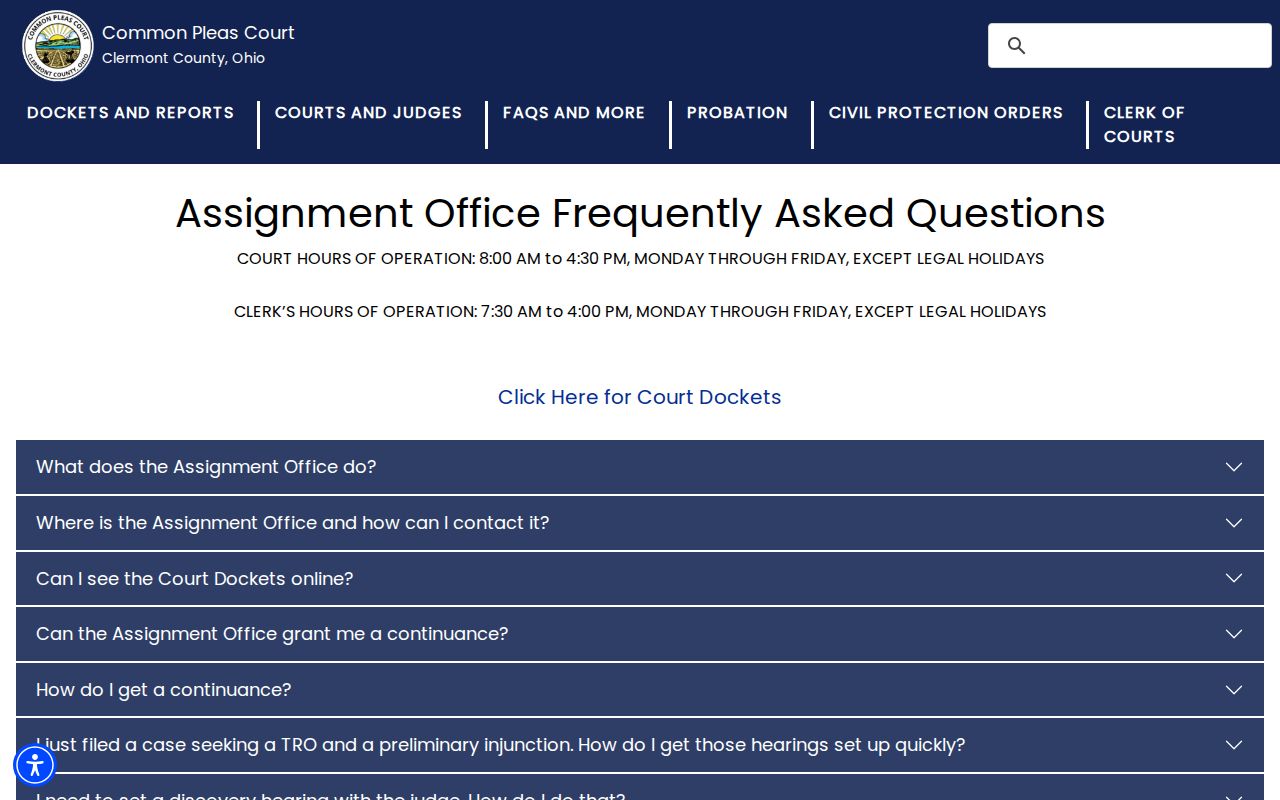
For a Common Pleas setting that may have moved since the weekly docket came out, the Assignment Office guidance is the best official source. Call before you rely on the printed schedule.
Court Settings: What Each Field Means
Treat a Clermont setting as a court event, not just a date. The case number links the setting to the full file. Its event label explains why the court scheduled it. Judge, time, and courtroom tell you where the event should happen. Any row can be incomplete or changeable. So the event label and the court are the two facts worth confirming.
| Date range | The calendar day or week covered by the published schedule; check the generated date as well. |
|---|---|
| Start time | The listed time for the setting, which can differ from arrival instructions or security-check time. |
| Case number | The local file identifier used to match the correct court and case. |
| Judge or location | The assigned judge and, where listed, courtroom or location for the event. |
| Event | For example, arraignment, status conference, plea or trial setting, motion hearing, or sentencing. |
Clermont County Court Setting Terms
Municipal Local Rules add detail to the local setting sequence. After arraignment, most non-minor-misdemeanor criminal matters get a plea or trial setting. Some get a pretrial before trial instead. A plea or trial setting is case management. It is not automatically the trial itself. The rules generally require that setting within stated time targets after arraignment. That timing is subject to court approval and the case's details.
- Arraignment
- An early criminal setting addressing charge and plea procedure.
- Plea or Trial Setting
- A local intermediate setting used to resolve or schedule a later hearing.
- Pretrial Conference
- A case-management setting; Municipal civil pretrials use different rules and exceptions.
- Motion Hearing
- A hearing on a filed motion, which Common Pleas cannot set without judge approval.
- Continuance
- An approved postponement, not merely a filed request for more time.
The Municipal Court FAQs are the source for the hearing-date and continuance material below.
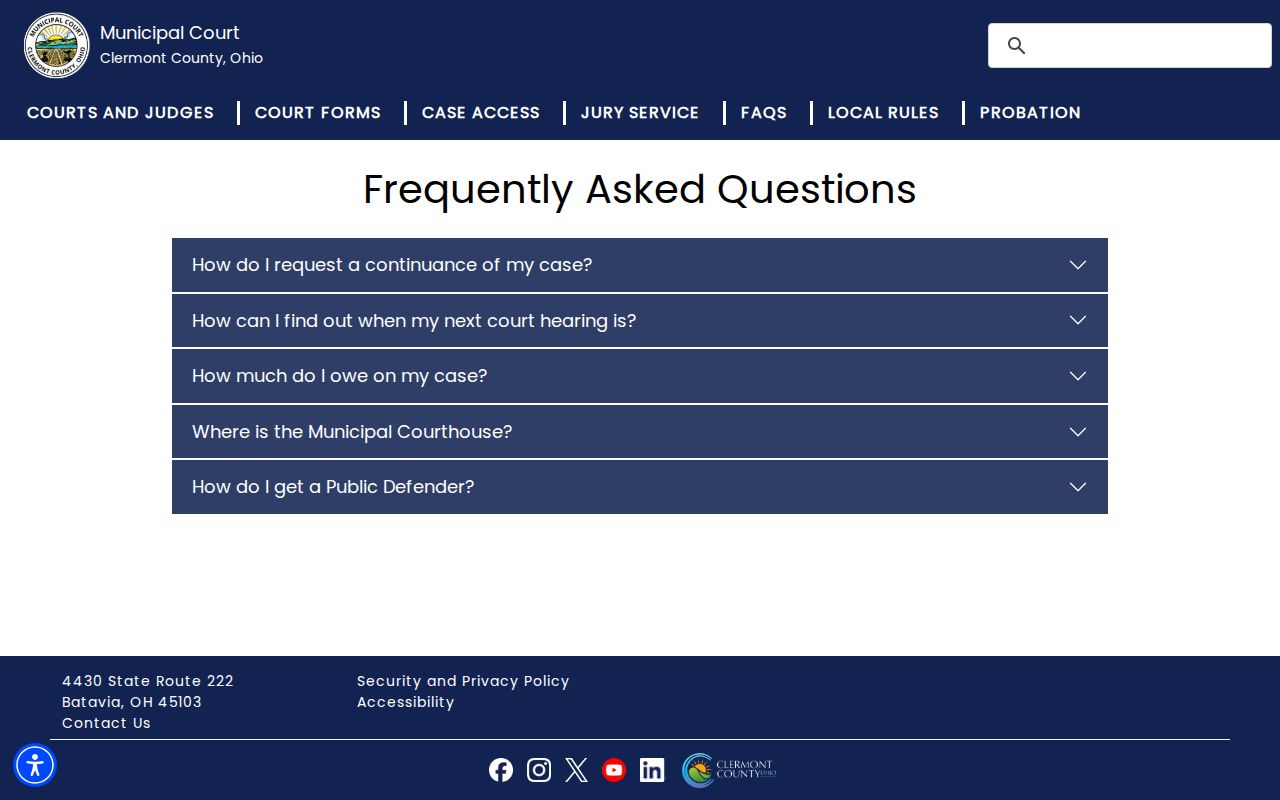
The Municipal FAQ repeats the practical starting point. The notice supplies the hearing date, and the Clerk handles questions about it.
When a Court Date Moves
Court dates in Clermont County shift for several reasons. A continuance can move a setting. So can a settlement, a guilty plea, or some other court action. In Common Pleas, a continuance request has to reach the Clerk in writing. The assigned judge gets a courtesy copy. Most of these requests also require an oral hearing. If the judge grants relief, the Assignment Office picks the new date and mails notice. Until that happens, the weekly docket is only an advance convenience.
Municipal Local Rule 11 spells out its own requirements. A written motion must show good cause. It must also show the date relief is sought from, and the reason. Another party's consent alone does not grant the motion. The court must also set a definite new trial or hearing date. The Municipal FAQ adds that the motion needs the case name and number. It also needs the reason, and service on the other parties. A filed motion is a request, never an approved reset.
Note: Only court action and the responsible office confirm a calendar change. A party's request or a stale PDF proves nothing.
Clermont Court Schedule Locations
The Common Pleas General Division clerk counter sits at 270 East Main Street in Batavia. Civil and criminal filings are accepted on the first floor. Upstairs, on the second floor, the Assignment Office handles schedule confirmation. The clerk's official locations page also separates the General Division from the standalone Domestic Relations, Probate, Juvenile, and Municipal forums.
Municipal Court sits at 4430 State Route 222 in Batavia. Its Traffic/Criminal and Civil clerk divisions are all based there. The courtrooms, probation, and traffic-violations functions are too. Location questions come last, after the court and the date are confirmed. Common Pleas asks visitors to arrive early for health and security checks. Municipal rules restrict device use in courtrooms.
The official clerk locations page shows the Common Pleas locations view that follows.
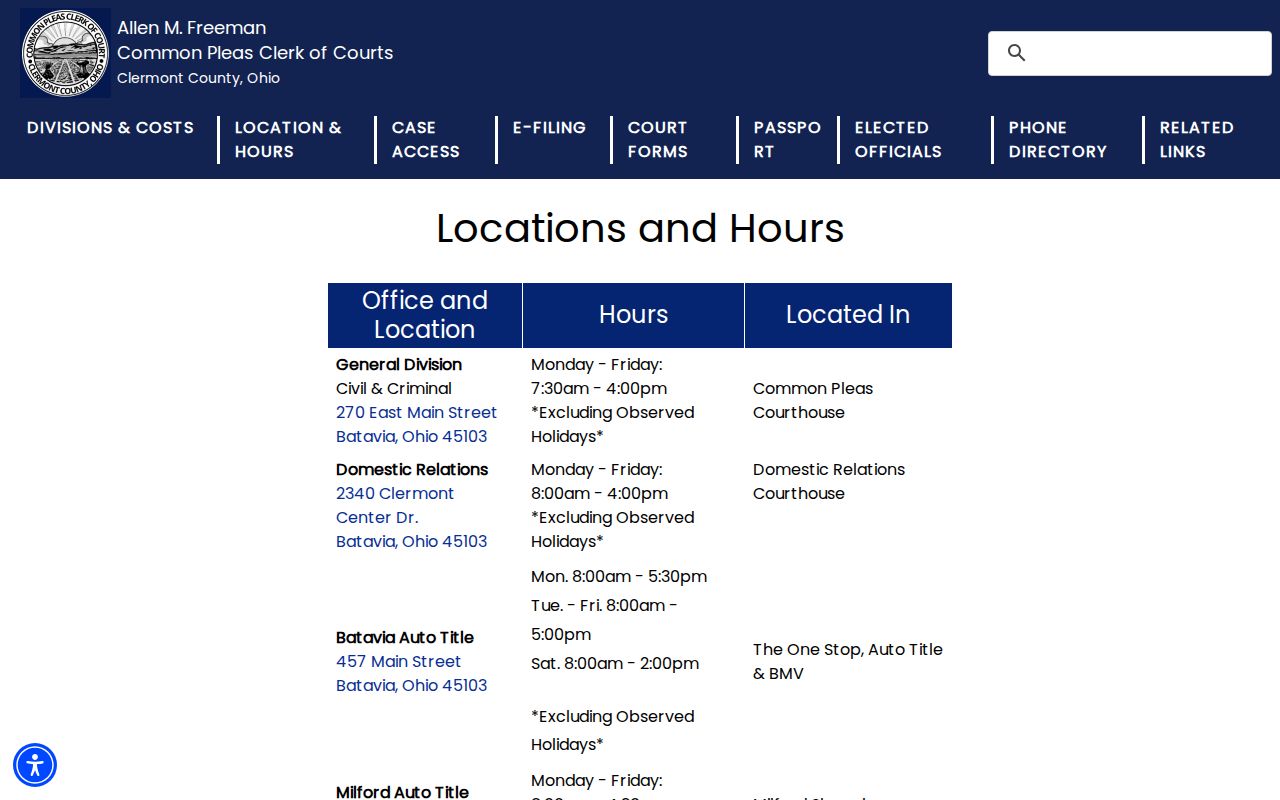
The official locations material draws one useful line. Bring filed-record questions to the clerk, and bring calendar questions to the Assignment Office instead.
Missed Settings and What Comes Next
Handle a missed setting through the court that issued the notice. Right away, confirm the case number, the court, and the event. Use the right clerk or the Assignment Office. Municipal rules spell out what can follow a failure to appear. A warrant is one result. So are changed bond conditions, or bond forfeiture. The exact result turns on the case and the court's order. No single outcome is guaranteed.
Do not assume a date was moved: a Common Pleas weekly schedule can change, and a Municipal notice may be the only published hearing-date source. Call the responsible court promptly and follow its filing instructions if a motion or other response is needed.
The Common Pleas court's general courthouse FAQs cover local accessibility and building-use details for an appearance. They are not a substitute for confirming your own hearing date.
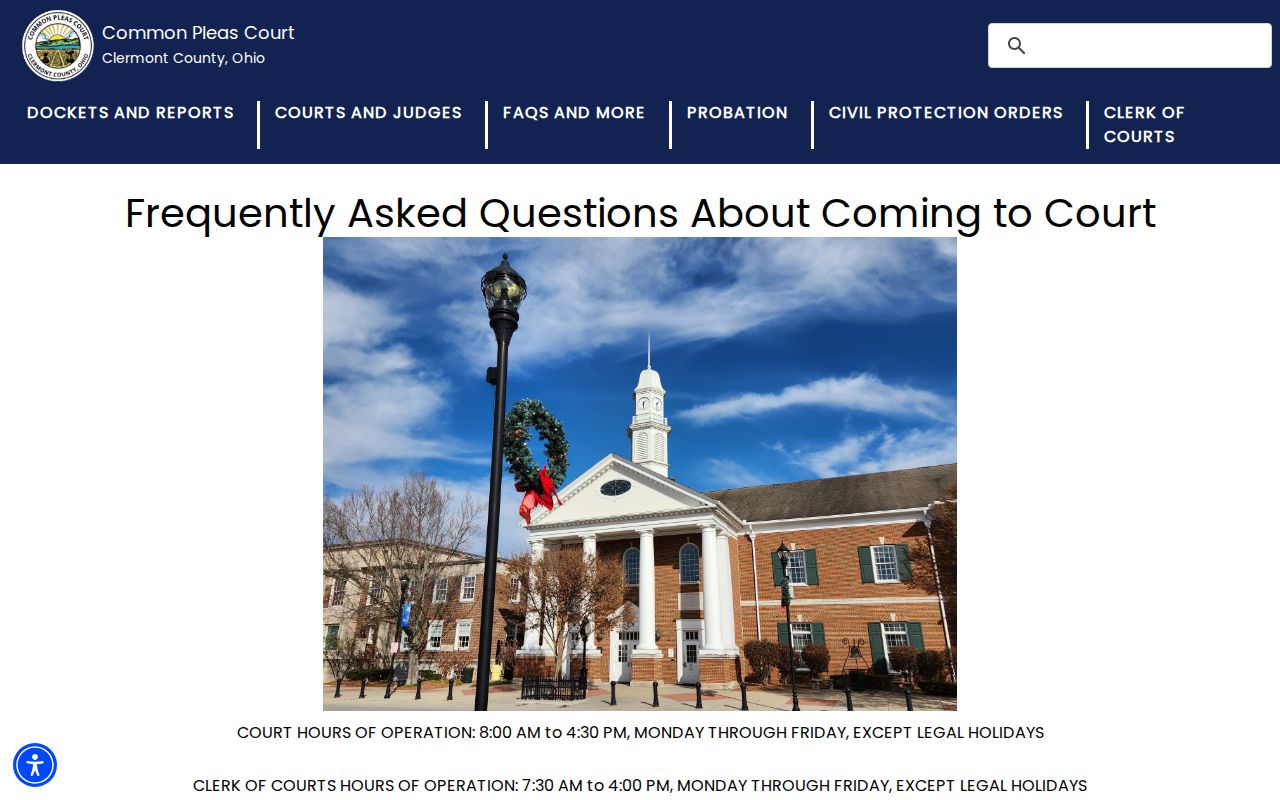
Visitor information matters once the hearing date is settled. Security and accessibility arrangements can change how early you should arrive.
Clermont Court Docket Confirmation
In Clermont County, a case docket and a calendar play different roles. The docket is the chronological case record the clerk keeps. A weekly schedule is just one judge's hearing calendar. Reading both may show that a setting exists, but for a Common Pleas hearing the Assignment Office gives the final local confirmation. Municipal Court works differently. There, the notice and the responsible direct office are the documented fallback.
When a public portal shows nothing recent, go to that court's counter or phone line. Common Pleas records before 1988 sit in the clerk's office, and Municipal records before May 1, 1996 are likewise a clerk-office route. Those historical cutoffs explain many empty search results. They do not remove the duty to confirm with the correct court.
For a Common Pleas matter, compare the case number on the weekly schedule against the case docket, then call the Assignment Office if the setting is near or unclear. For Municipal Court, start with the citation or notice, since that court publishes no standalone calendar. Domestic Relations, Probate, and Juvenile each run their own offices and record paths. Treat calendar information as court-specific. A single countywide list does not exist.
Ohio's revised case-management time standards took effect January 1, 2026, covering General, Domestic Relations, Juvenile, Municipal, and County Courts. The standards concern case processing across the court system, which makes them useful calendar context. They cannot predict when a particular Clermont hearing will occur, and they do not replace a notice, a docket entry, or Assignment Office confirmation. The current Municipal Local Rules, effective August 17, 2026, supply local scheduling rules in the same way. They still set no universal date for every case.